
Choose from hundreds of email templates


Create an email campaign
Mensen zijn dol op PosterMyWall
-
“
As a branding & marketing consultant, this is an amazing tool to have in my arsenal! I use their professionally made templates to easily create posts in minutes, making me look like a graphic design & marketing genius!
 Camille JamersonBranding Consultant
 -
“
It’s an awesome site! Great way to create a really awesome designed poster for your business
Judy JohnsonEntrepreneur -
“
I have probably made over 100 flyers and posters. They seem to attract a lot of attention! I get positive reactions almost every time!
Lura Lee E.Administrator



Lees beoordelingen van klanten
How to create an email campaign
-
Kies een e-mailsjabloon
Kies uit duizenden professioneel ontworpen e-mailsjablonen voor elk bedrijf, elk evenement of elke gelegenheid.
-
Personaliseer uw e-mail met eenvoudige tools
Voeg uw logo, afbeeldingen, video's, lettertypen, stickers, audioclips en meer toe. Gebruik merksets voor consistente, merkgebonden ontwerpen.
-
Bekijk een voorbeeld van uw e-mail of download de HTML
Download de e-mail-HTML gratis of bekijk een voorbeeld van uw e-mail op desktop, tablet en mobiel om te zien hoe deze eruit zou zien op verschillende schermen.
-
Publiceer uw e-mailcampagne
Voeg een mailinglijst toe en verstuur uw e-mail direct vanuit PosterMyWall.
Featured email templates for every need


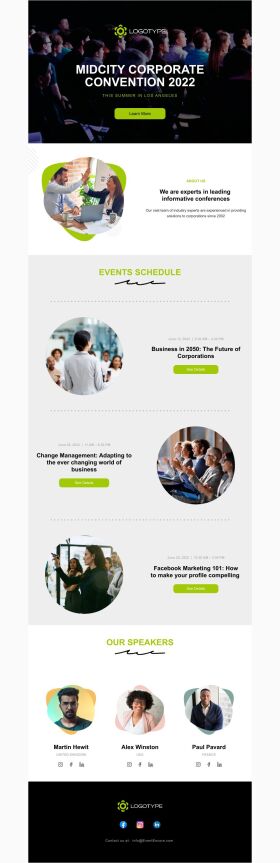


Announcement

Back in Stock

Coming Soon

Daily Specials
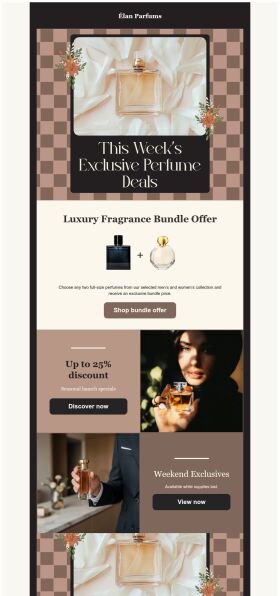
Deals and Bundles
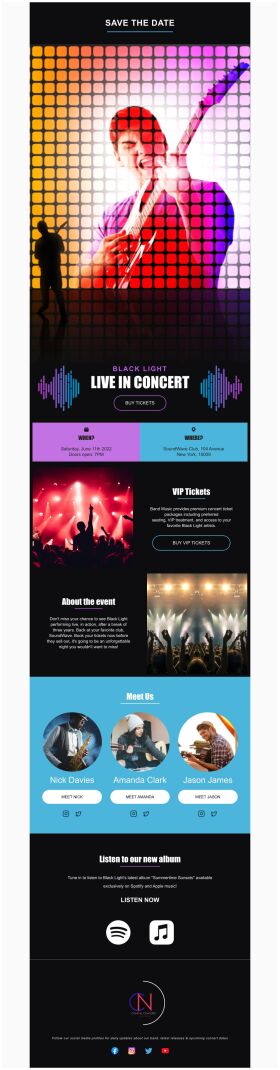
Event Promotion

Event Schedule
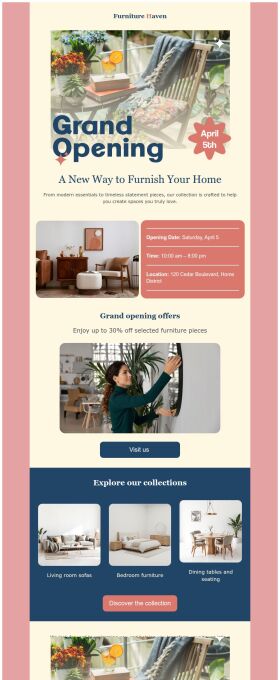
Grand Opening


Veelgestelde vragen
How do I create and send my email campaign?
Create an email campaign by customizing an email template from the gallery. Add photos, videos, stickers, buttons, tables, social links, or your own designs from PosterMyWall with our easy-to-use drag-and-drop Email Maker. Free users can export the email in HTML format, and Premium subscribers can publish it directly from PosterMyWall.
How does an email marketing campaign work?
Email marketing campaigns are essential to boost sales, maintain relations with customers and collect feedback. Use our email maker to promote special offers, introduce new products, exclusive brand deals, welcome new customers, and much more.
How to implement email segmentation strategies using an email maker?
To effectively use email maker, first build an email list of potential clients for your business. You can get it through a subscription program or sign-in form on your website. Next, divide your list based on different market segmentations and customize an engaging email campaign targeting each group's needs. Later, track the campaign's performance.
How many people can I send emails to?
You can export your email as an HTML file on the free plan, then send it via your email service provider like Gmail, Hotmail etc. If you’re subscribed to the Premium or Premium Plus plan, you can send 3000 emails and 10,000 emails per month respectively with PosterMyWall’s Email Marketing Platform.






