Toegankelijkheidsmenu openen Doorgaan naar pagina-inhoud
Event Marketing Restaurant Events

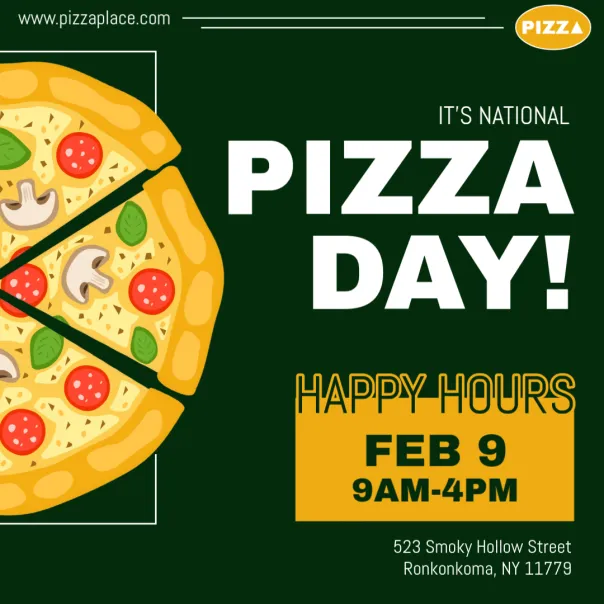
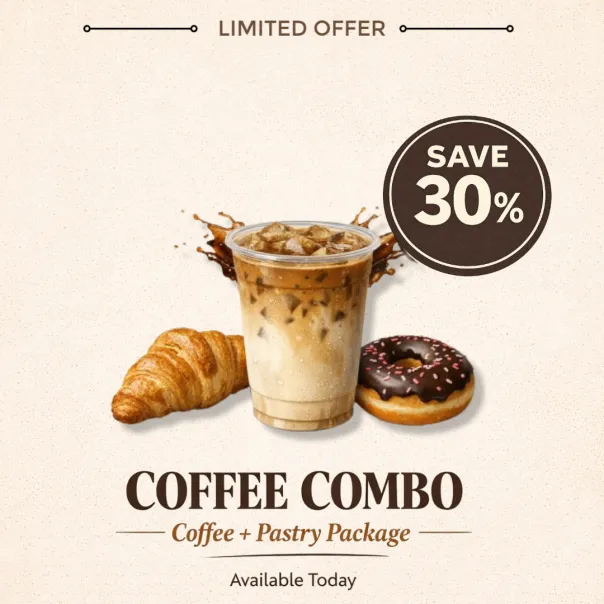
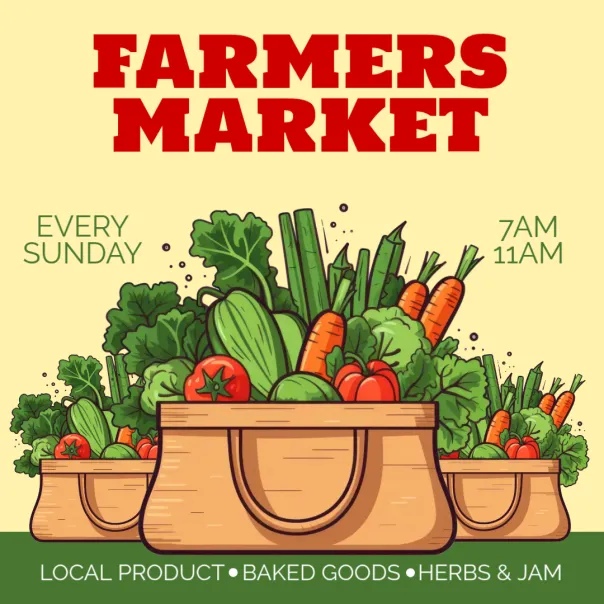
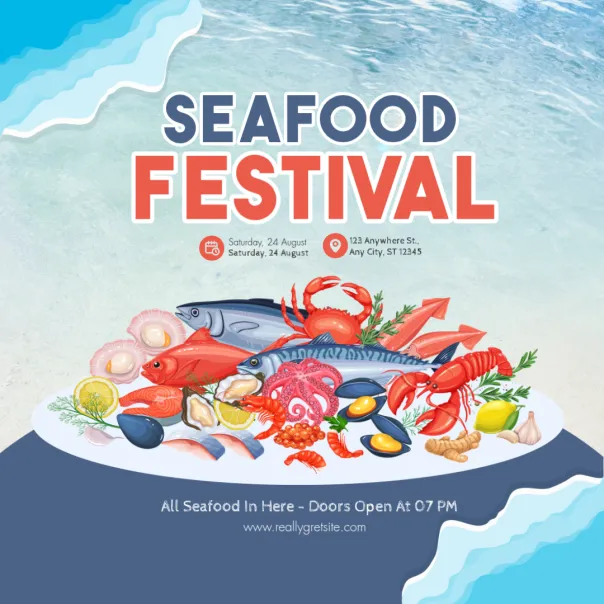
Pack your restaurant with buzzworthy events

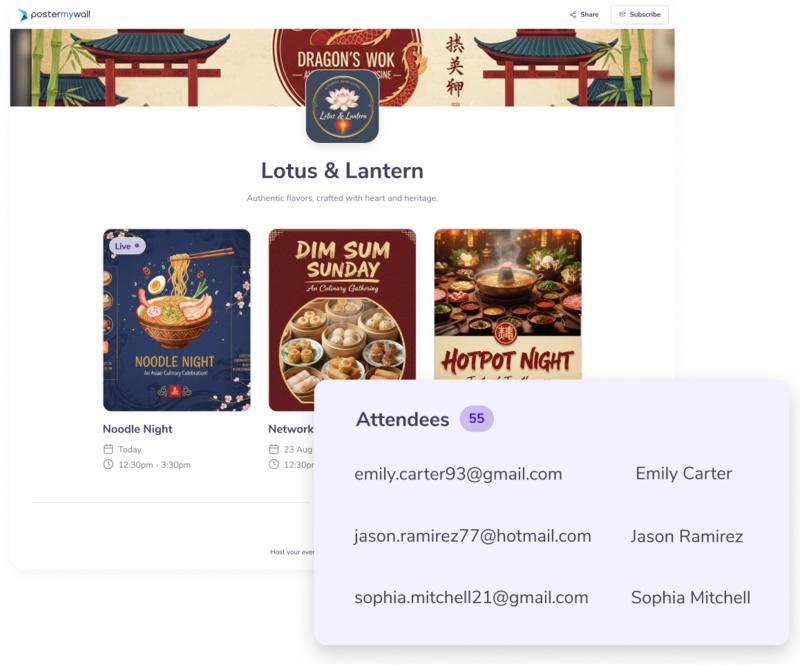
Spotlight your business' full calendar of events. Create and share event pages and calendars on your website and socials with powerful AI tools!

Pack your restaurant with buzzworthy events

Spotlight your business' full calendar of events. Create and share event pages and calendars on your website and socials with powerful AI tools!

Pack your restaurant with buzzworthy events

How to create an event page for your restaurant

  • 1

    Click on "Create a new event" under the Events tab.

  • 2

    Add the essentials: date, time and event details.

  • 3

    Share everywhere in one click and start filling tables with RSVPs.

Reach more people, fill more tables

Reach more people, fill more tables

Keep your events organized, discoverable, and easy to share; all from one place.

Keep your events organized, discoverable, and easy to share; all from one place.

  • Shareable calendar
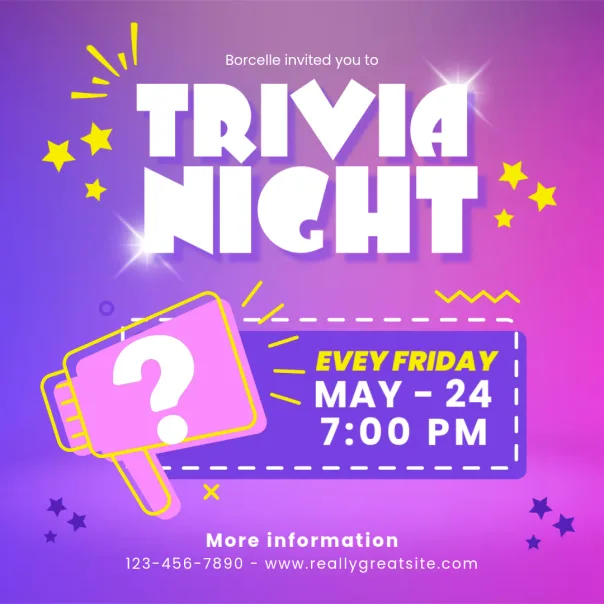
    Embed your event lineup on your website. Trivia nights, live music, happy hours: it's all in one place.

  • Manage attendees
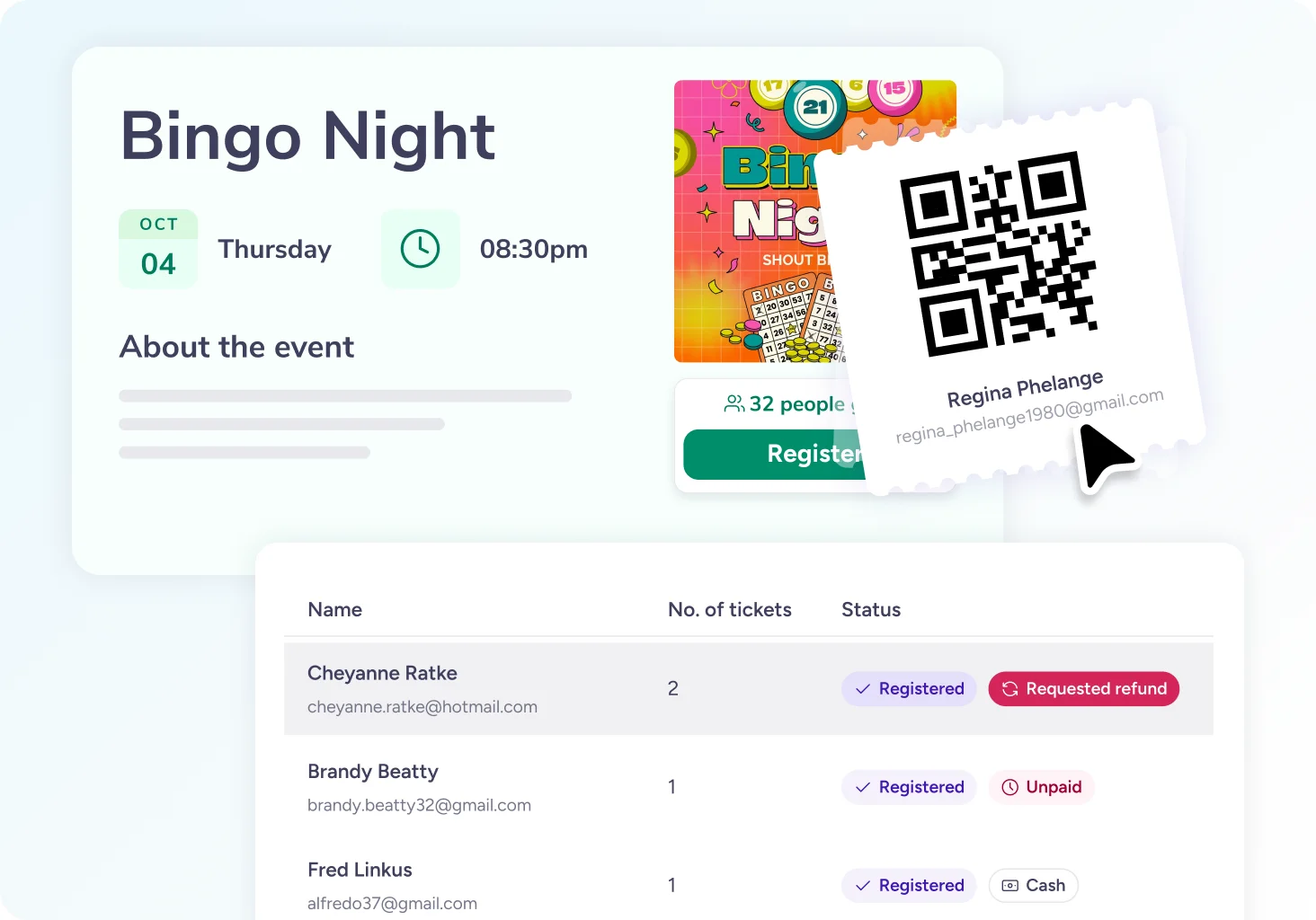
    Collect RSVPs and view guest lists. Keep track of headcounts so you know exactly who's coming.

  • Promote everywhere.
    Post to socials and email lists, and speed it up with one-click promotion.

Food events promotion made easier than ever

Food events promotion made easier than ever

Smarter tools to fill seats and keep guests coming back.

Smarter tools to fill seats and keep guests coming back.

  • AI-powered event pages:
    Spin up a branded event page with AI-generated descriptions and graphics.

  • Automated reminders:
    Keep your guests excited with scheduled emails.

  • Smart insights:
    Track reach and engagement so you know which channels bring in the most diners.

Veelgestelde vragen

How do I use PosterMyWall to create an event for my restaurant?

Sign up for free and create a branded event landing page in minutes. Add your event details, photos, and description, then share it everywhere: on your website, emails, and social media to start collecting RSVPs.

How do guests RSVP for my restaurant's event on PosterMyWall?

Guests fill out a quick sign-up form with their details to RSVP. You can also collect additional information from them, like phone numbers or special requests, while setting up your landing page.

Can I send menu details or updates to guests?

Of course. Use reminder emails to share menus, specials, or last-minute changes.

Can I promote weekly specials or happy hours?

Yes, you can easily duplicate event pages or set a particular event as "recurring" to automatically create a custom event landing page for each repeating event.

Can I embed my events calendar on my restaurant website using PosterMyWall?

Simply copy the HTML code of your event calendar and paste it into your website builder. Any changes you make on PosterMyWall will sync automatically to your embedded calendar.